


In today’s data-centric society, it’s important to protect your MySQL database—it’s not just a good idea, it’s essential. One security breach can disclose sensitive records, compromise customer privacy and impact your operations. Whether your support a small blog or a high-traffic application, the best security posture combines technical controls, proactive monitoring and professional help. At Empirical Edge, we support organizations in their endeavor to deploy enterprise-level database protections.
1. Use Strong Authentication and Password Management
Protect your database from the inside out:
- Eliminate default and anonymous accounts or at least disable them.
- Require strong, randomized passwords and implement use of password validation plugins
- Restrict root access to localhost only.
- Create least-privilege, role-based accounts for apps, users and admins.
2. Implement the Principle of Least Privilege
Only give users what they need:
- Be specific about the privileges you grant and avoid blanket privileges.
- Make use of roles so permissions can be managed at scale.
- Regularly audit user roles and remove privileges for those no longer needed or used.
3. Enable Encryption Everywhere
Keep data private if intercepted in transit or wrongfully accessed when at rest:
- Implement TLS/SSL for client to server communication.
- Use InnoDB encryption or require full-disk encryption on data replication and storage.
- Encode backups and store secured, off-site or in the cloud.
- Rotate encryption keys and practice secure key management.
4. Update MySQL and the Server
Being up-to-date decreases your attack surface area:
- Always keep MySQL and your OS security patches up to date.
- Uninstall any unused services and/ or block ports that don’t need to be open.
- Regularly update all the supporting libraries or packages to stay ahead of vulnerabilities.
5. Monitor and Audit all Database Activity
Stay ahead of threats:
- Enable all types of logging: general logs, slow queries, and audit logs.
- Review logs for unusual activity, such as failed login attempts, or anomalies in accessing data.
- Utilize monitoring and alerting tools to notify your team in real-time of suspicious or unacceptable behavior.
6. Limit Network Access
Defend against external threats:
- Restrict access to certain trusted hosts or IP ranges.
- Implement your safety and network practices to protect MySQL’s standard port (3306) with firewalls, and/or VPNs.
- Use network policies, segmentation, and isolation to ensure databases are behind private subnets and away from public-facing systems.
7. Backup Often and Conduct Restoration Tests
Assure you can recover after an incident:
- Use professional backup tools to automate both full and incremental backups of your database.
- Save backups in multiple locations (e.g. on your site efc and in third-party semantics in a offsite cloud storage).
- Conduct testing to assure your backup restoration procedures work properly, and that the backup stored has not been corrupted or damaged.
8. Hardening and Penetration Testing
Close the gaps before an attacker is able to :
- Harden configurations by disabling dangerous options (remote root login, local_infile).
- Remove unnecessary databases and users.
- Perform penetration testing and vulnerability scans to identify vulnerabilities.
- Establish secure defaults (bind-address = 127.0.0.1, strict sql_mode) in accordance with your security policies and compliance requirements.
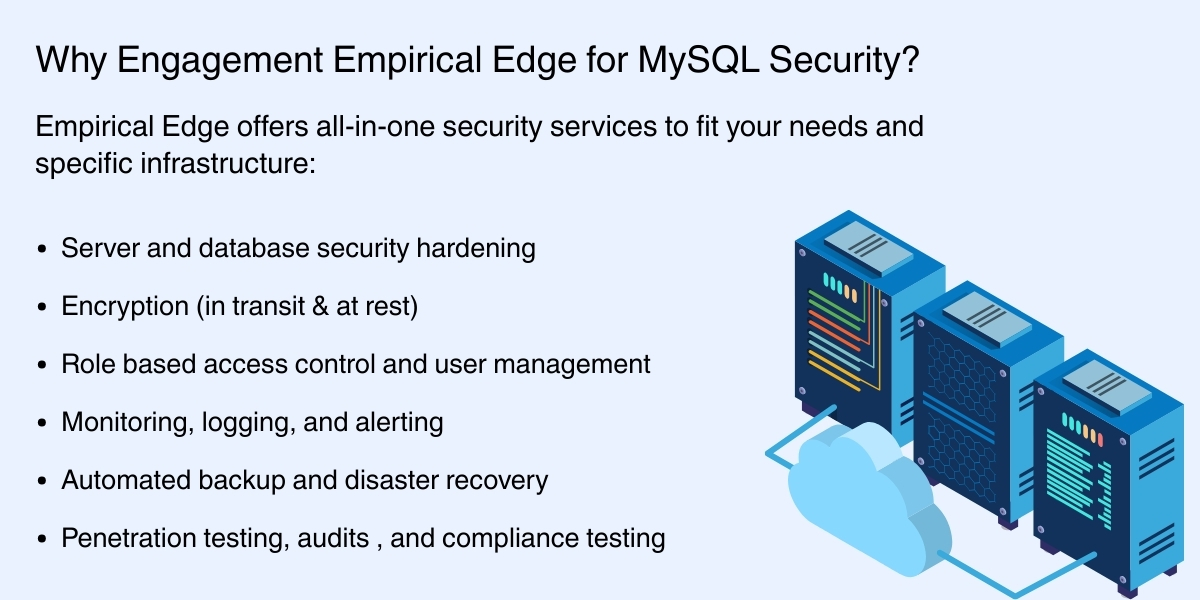
Conclusion
Securing MySQL is a layered approach and must include good authentication, encryption, access control, network security, monitoring to alert and record, backup process verification, and regular hardening. Working with Empirical Edge you are able to secure your database infrastructure and ensure it is compliant, well optimized for its performance and scale.
Secure Your MySQL Database with Experts
Protecting your MySQL database requires the right strategy, tools, and experience. Empirical Edge helps businesses implement secure MySQL configurations, encryption, access control, monitoring, and backup solutions tailored to your infrastructure.
Frequently Asked Questions
The best practices for securing a MySQL database include strong authentication, least-privilege access control, SSL encryption, regular updates, activity monitoring, restricted network access, and secure backups. These measures protect against unauthorized access and data breaches.
You can protect a MySQL database by using strong passwords, disabling default accounts, enabling SSL/TLS encryption, restricting IP access, and keeping MySQL updated with security patches. Regular monitoring and backups also improve protection.
MySQL database security is important because databases store sensitive information such as customer data and business records. Poor security can lead to data breaches, unauthorized access, and financial loss.
You can secure MySQL user accounts by enforcing strong passwords, removing unused accounts, restricting root access, and granting only necessary privileges. This reduces the risk of unauthorized access.
You can restrict MySQL access by allowing only trusted IP addresses, using firewalls, placing databases in private networks, and disabling remote root login.
Written by: Empirical Edge Team