


Handling exceptions is one of the most it is vital in a robust Java programmer. It allows programmers to discover, handle, and recover from any unexpected error at run-time without crashing the entire application. Understanding exception handling means ensuring Java programs remain culpable, stable, and user-friendly during unexpected circumstances.
What are exceptions in Java?
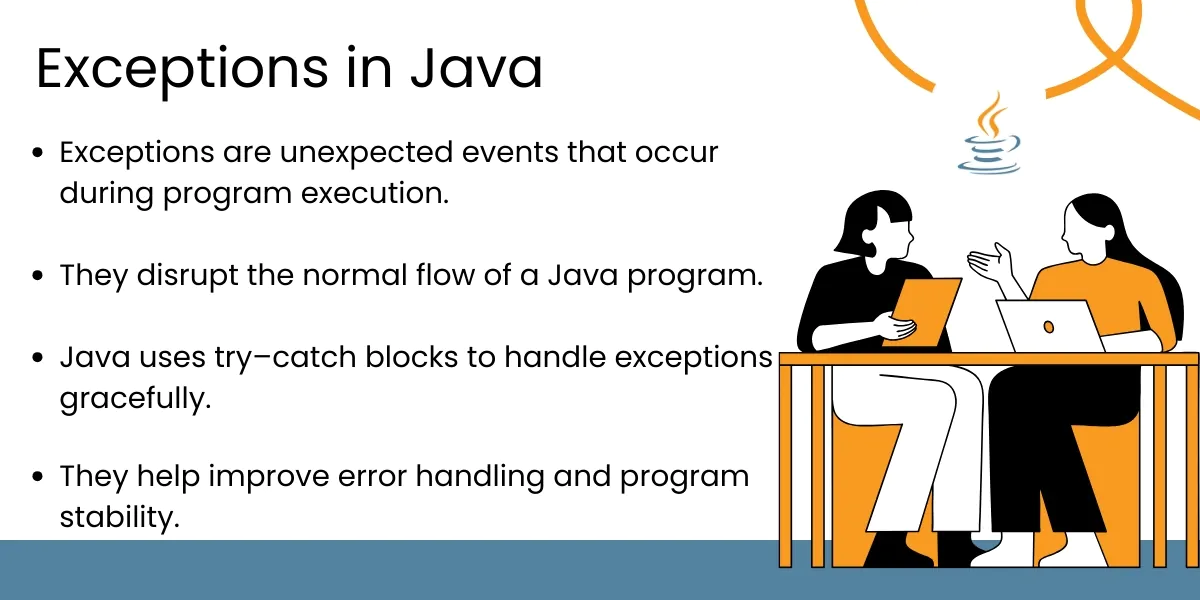
An exception in Java is an event that disrupts the normal execution of a program. Exceptions can happen for a variety of reasons, such as invalid input from the user, missing files, a connection to a database that is down, or any communication error involving arithmetic functions. Java provides a powerful way to handle exceptions through structured keywords such as try, catch, finally, throw, and throws, which allows the programmer to end an error discovery method or an application in a recovery state rather than terminating the application altogether.
Types of Exceptions
Checked Exceptions:
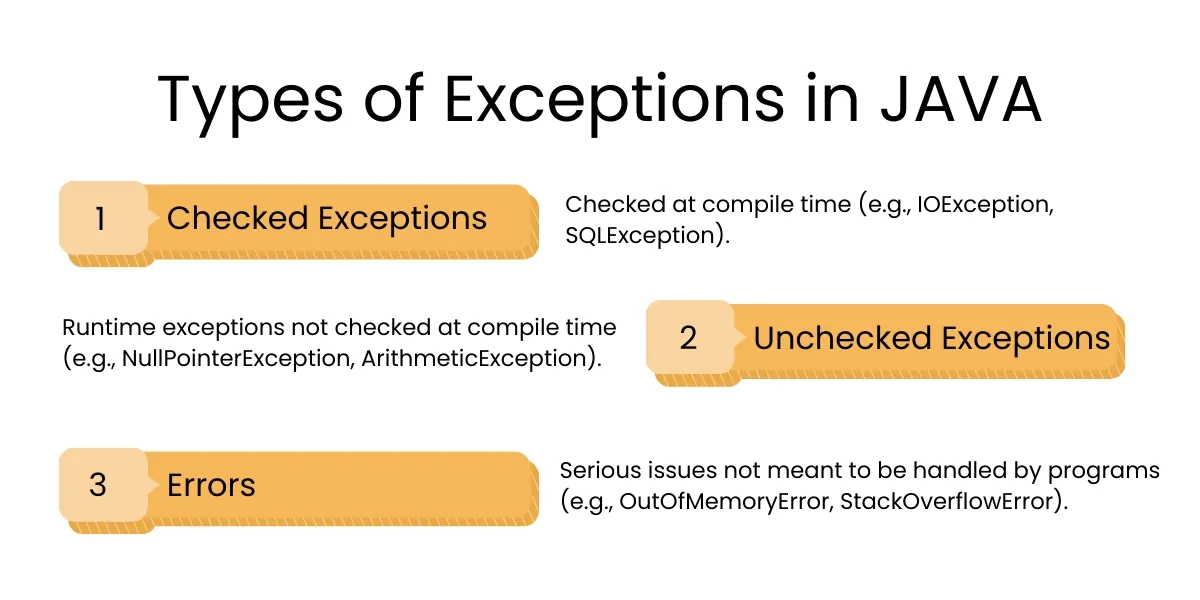
A checked exception is checked at compile time. They indicate conditions a well-written application should anticipate and recover from. For example, when there are issues with file I/O or SQL errors. Examples include the IOException, SQLException, and ClassNotFoundException. An important aspect of checked exceptions is that developers must handle or explicitly declare, the checked exception in the method signature.
Unchecked Exceptions:
Unchecked exceptions are the same as runtime exceptions and happen during execution. Typically, unchecked exceptions indicate logical errors, or programming errors that must be corrected in code. Examples of unchecked exceptions include: NullPointerException, ArrayIndexOutOfBoundsException, or ArithmeticException.
Errors:
Errors are severe issue associated with the JVM environment. Errors can be OutOfMemoryError or StackOverflowError. Generally, these errors are beyond the developer’s reach and should not be handled directly, as often times, the underlying reasons for the issue may involve fixing code or addressing issues at the environment level.
Best Practices for Exception Handling in Java
Use Specific Exceptions:
It’s always better to catch specific exceptions as opposed to the generic Exception. This makes debugging easier, optimizes performance and makes the intent of your error handling logic clear.
Don’t Swallow Exceptions:
Empty catch blocks can obscure problems and be frustrating to debug. Catch the exception and log it, or display it, roll back, or whatever is appropriate to give you context of the problem.
Create custom exceptions as business logic asset:
By defining custom exceptions, you can more concisely represent problems that are meaningful to your business. For example, UserNotFoundException and InsufficientFundsException will be easier to understand in context. This can dramatically improve readability and flow of logic in your code for error handling.
Log exceptions when they happen:
Logging exception is highly important when tracking down issues and fixing them in the production environment. It is best to do this using an existing framework for logging such as SLF4J, Log4j, or java.util.logging. That way you can develop good logging patterns and use them throughout.
Always use finally or try-with-resources for clean-up:
When you are dealing with any resources such as a file stream, socket, or database connection you should always properly free them. Using the finally block will ensure that they are released regardless of whether an exception occurred. You can also use the try-with-resources pattern to keep you from having to manually release the resources, and it often enhances readability.
Avoid excessive use of checked exceptions:
Using checked exceptions all over the code will clutter up your code and make it difficult to maintain. Where appropriate especially when wrapping your application-specific (‘business’) exceptions in exception classes, use runtime exceptions for the sake of the cleanliness of the code base.
Propagate Exceptions Thoughtfully:
When rethrowing exceptions, always maintain the original stack trace. This ensures that critical debugging information is not lost, making it easier to trace the source of an error.
Separate Technical and Business Exceptions:
Technical exceptions (e.g., file or network issues) should be logged and handled internally, while business exceptions should provide meaningful feedback to users or calling systems.
Avoiding Common Mistakes:
- Using overly broad exception handling that conceals the real issue.
- Failing to log exceptions, ignoring them entirely.
- Throwing exceptions unnecessarily instead of handling them gracefully.
- Not documenting methods that can throw exceptions, making it challenging to integrate.
Benefits of Good Exception Handling:
- Improved Stability: Doesn’t allow the application to fail completely when there are unexpected conditions.
- Better User Experience: Gives meaningful error messages instead of crashing into unknown exceptions.
- Codebase Maintainability: Allows for the code to be potentially well documented and maintainable, with exception-handling logic clearly articulated.
- Better resource usage: Allows for better cleanup and to avoid memory leaks or resource locks.
Conclusion:
Good Exception Handling in Java means building applications that are aware of unexpected issues and can recover from them gracefully. It means your application will be resilient, maintainable, and reliable no matter the situation. By following best practices for catching exceptions, maintaining their severity levels, logging all possible exceptions, using your own exceptions when necessary, managing your resources correctly, you will create Java applications that deliver on high quality performance as well as provide a seamless user-experience in the event of an exception.
Build Resilient Java Solutions with Expert Exception Handling Techniques
Frequently Asked Questions
Exception handling in Java is a mechanism to catch and manage runtime errors using constructs like try, catch, finally, and throw, enabling the application to continue or fail gracefully when an unexpected condition occurs.
Effective exception handling helps make Java applications robust, stable, and maintainable by ensuring errors are caught and managed systematically rather than causing crashes or unpredictable behavior.
Best practices include catching specific exception types instead of generic ones, logging exceptions with meaningful information, using try-with-resources to auto-close resources, and avoiding empty catch blocks.
Checked exceptions are verified at compile time and must be handled or declared with throws, whereas unchecked exceptions occur at runtime (e.g., NullPointerException) and do not require explicit handling.
Good exception handling provides meaningful error messages to developers (via logs) and prevents raw error dumps to users, leading to smoother user experience and faster troubleshooting.
Written by: Empirical Edge Team